

Description
Product Overview
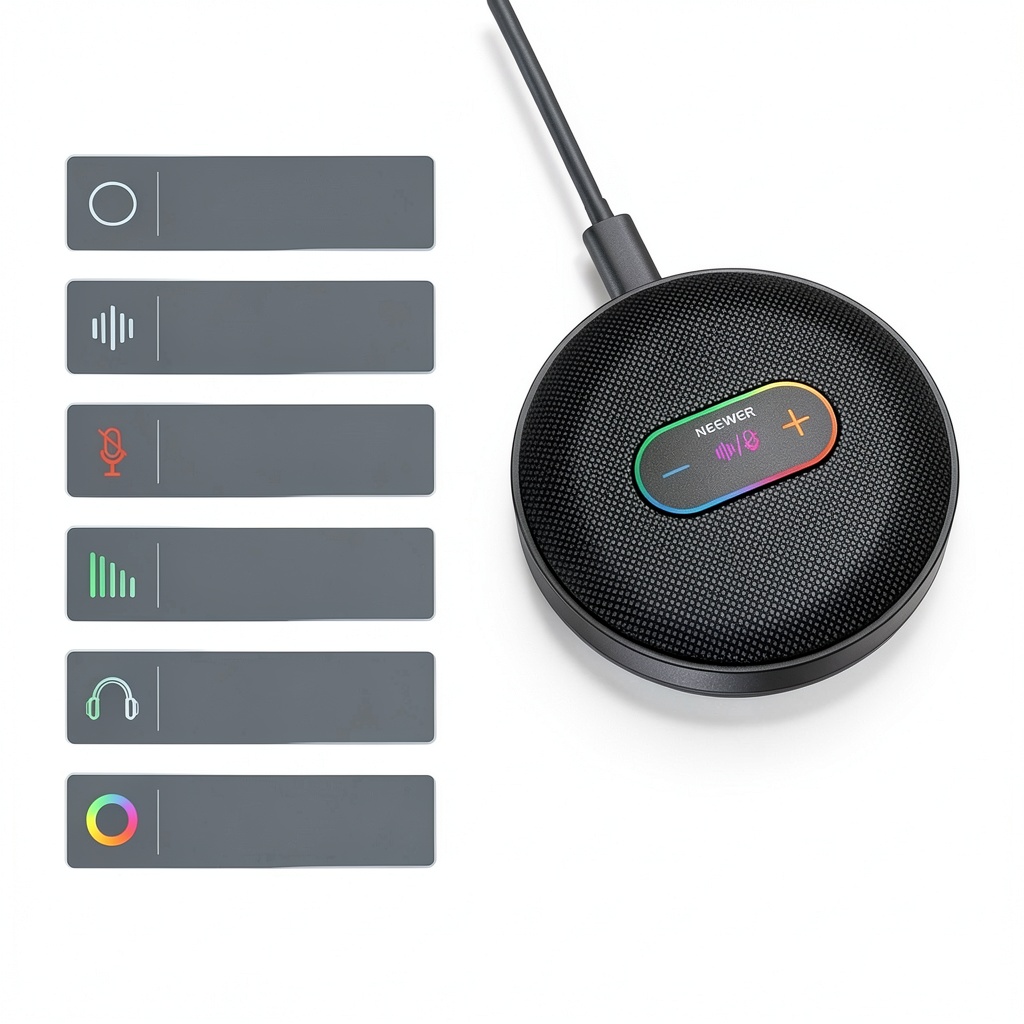
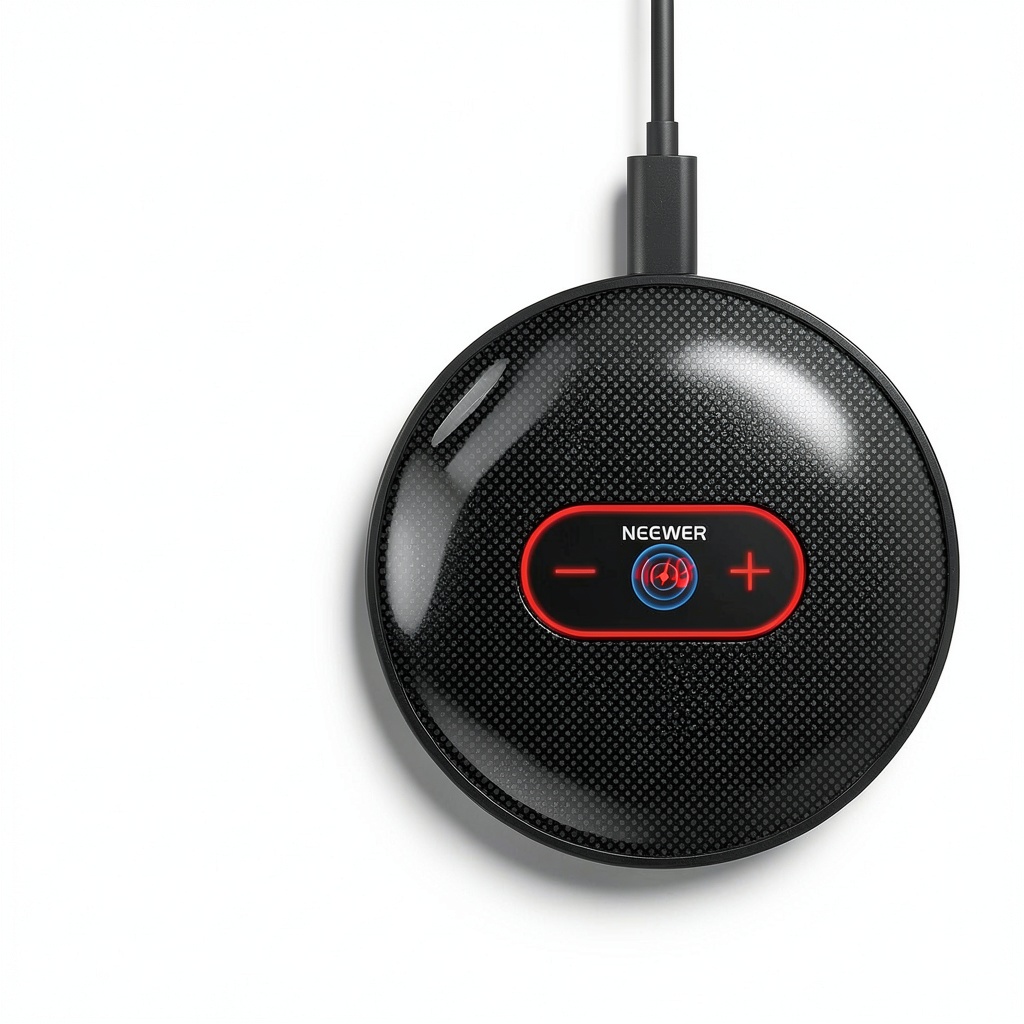
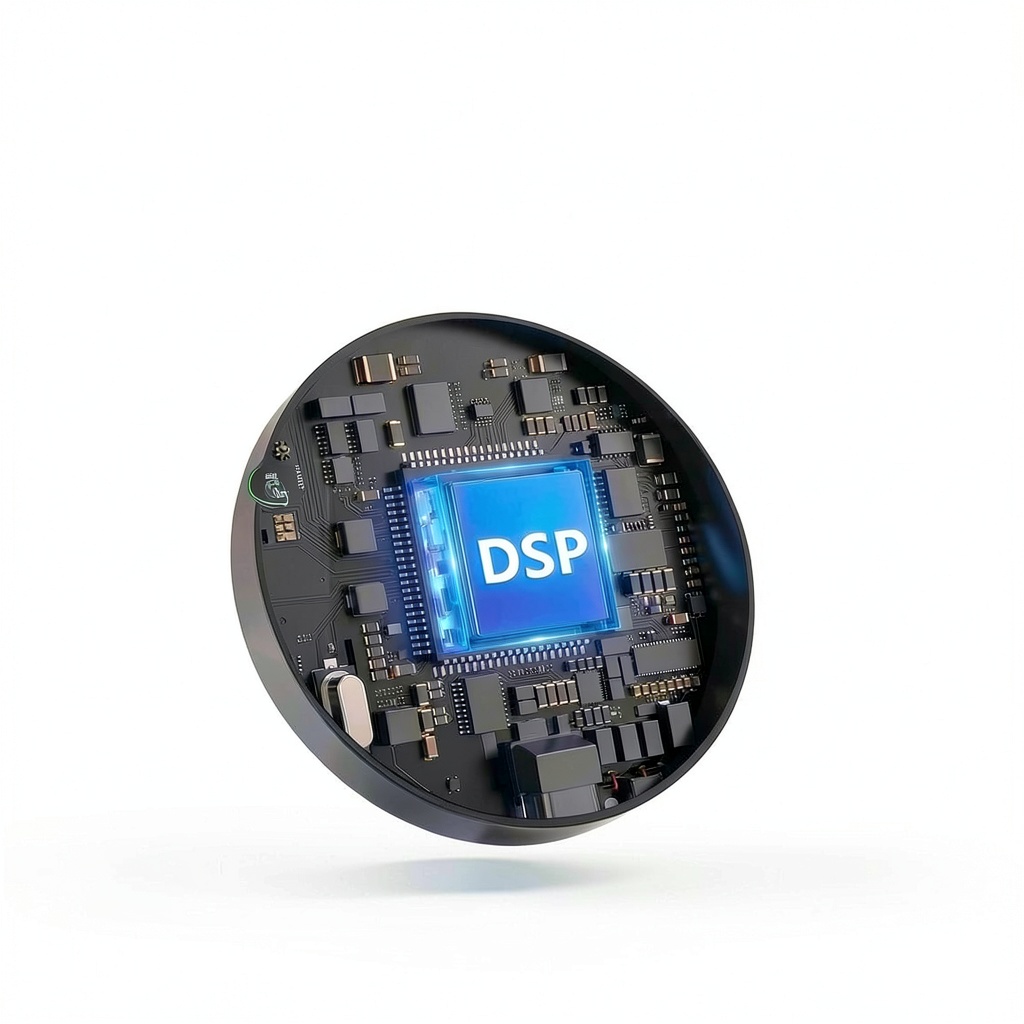
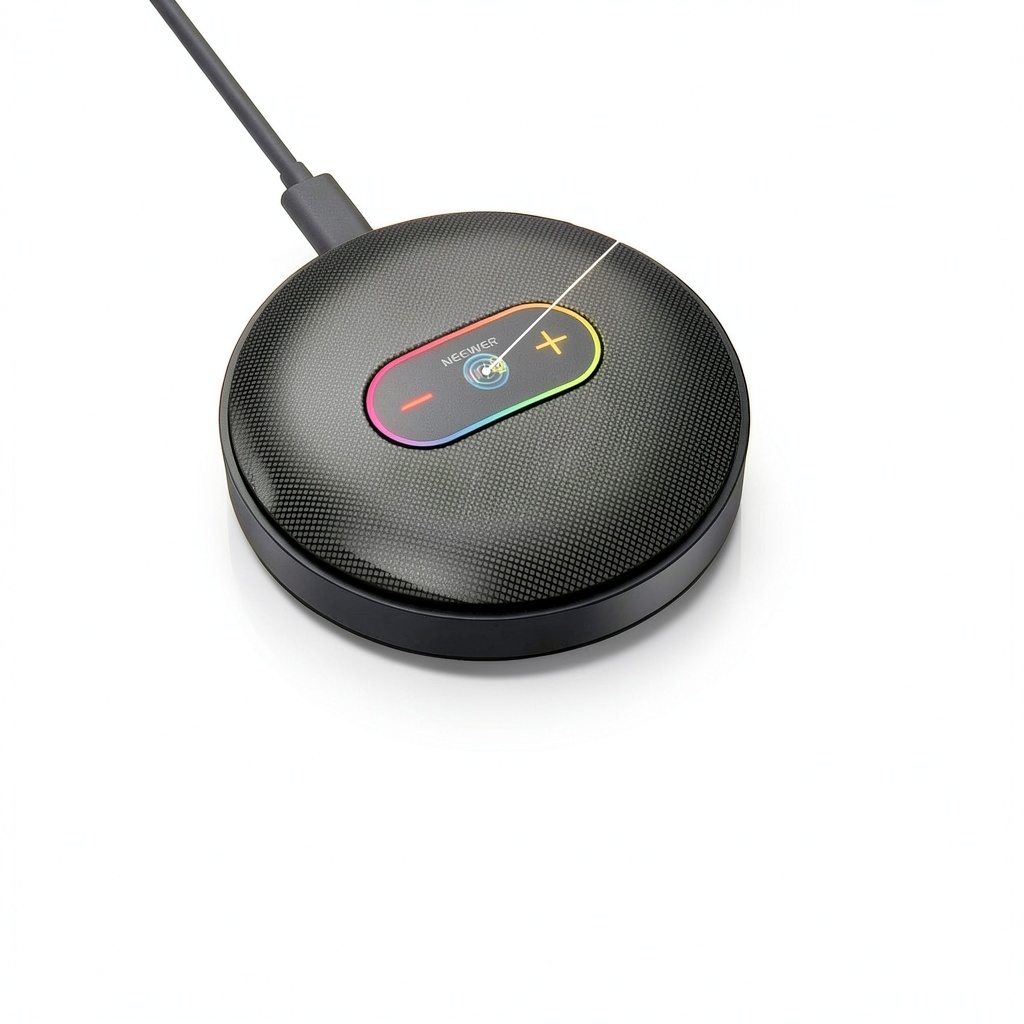
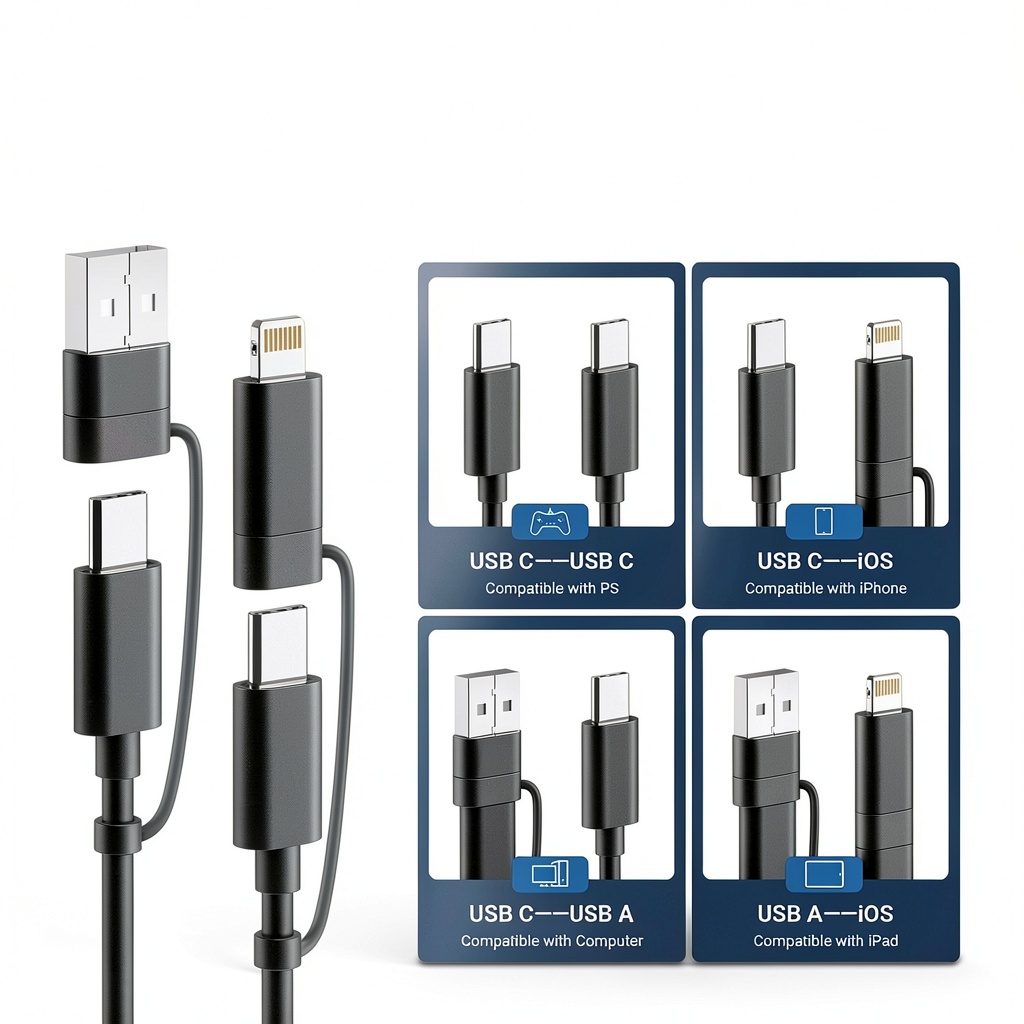
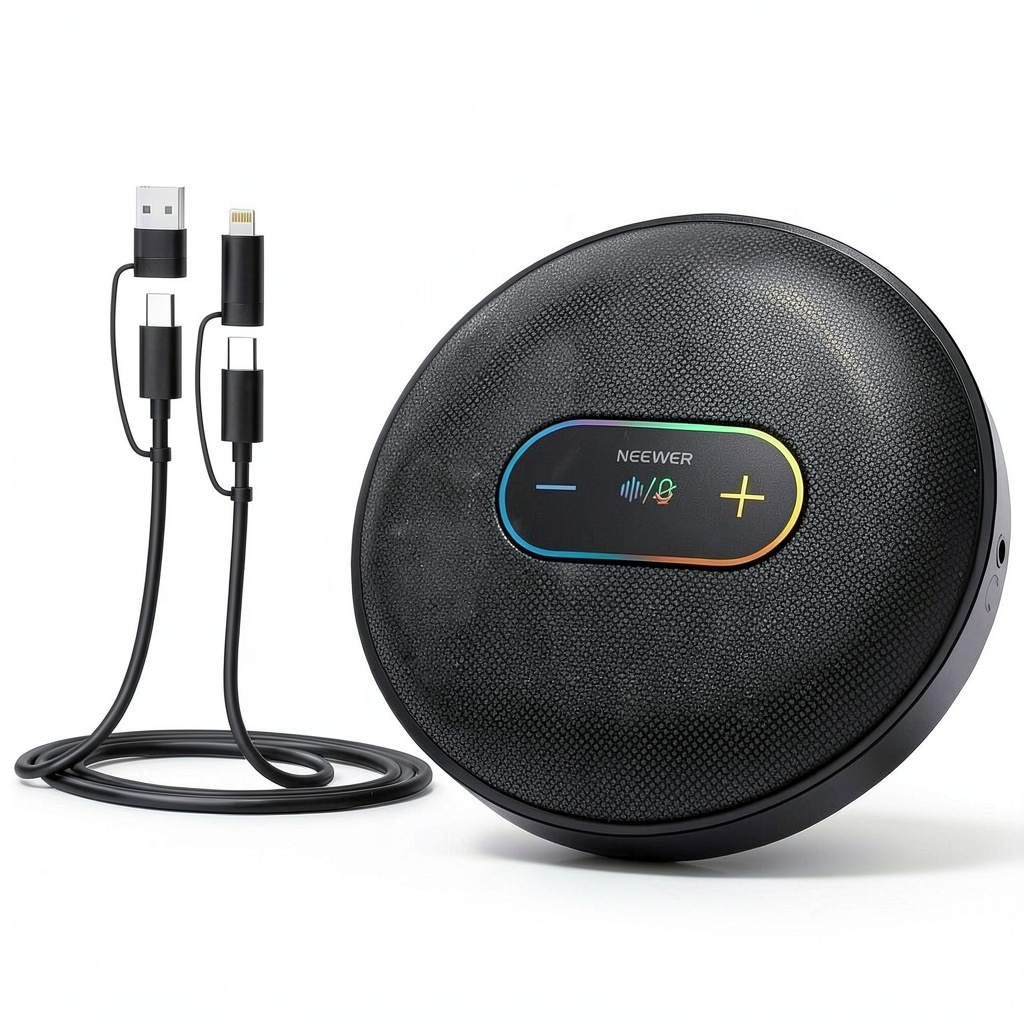
The Neewer UM04 USB microphone is a versatile desktop condenser microphone designed for professional audio capture in various settings. It features a 48KHz/24Bit sampling rate, ensuring high-fidelity sound reproduction. The microphone includes a DSP chip for advanced noise cancellation and mute controls, along with an omnidirectional pickup pattern that evenly captures sound from all directions. Constructed with durable materials, it supports 10 adjustable volume levels and real-time monitoring via a 3.5mm TRS headphone jack. This plug-and-play device connects via a 4-in-1 USB cable (USB C, USB A, and iOS connectors) and is compatible with macOS, Windows, PC, iPhone, and Android, requiring no additional drivers.
Usage
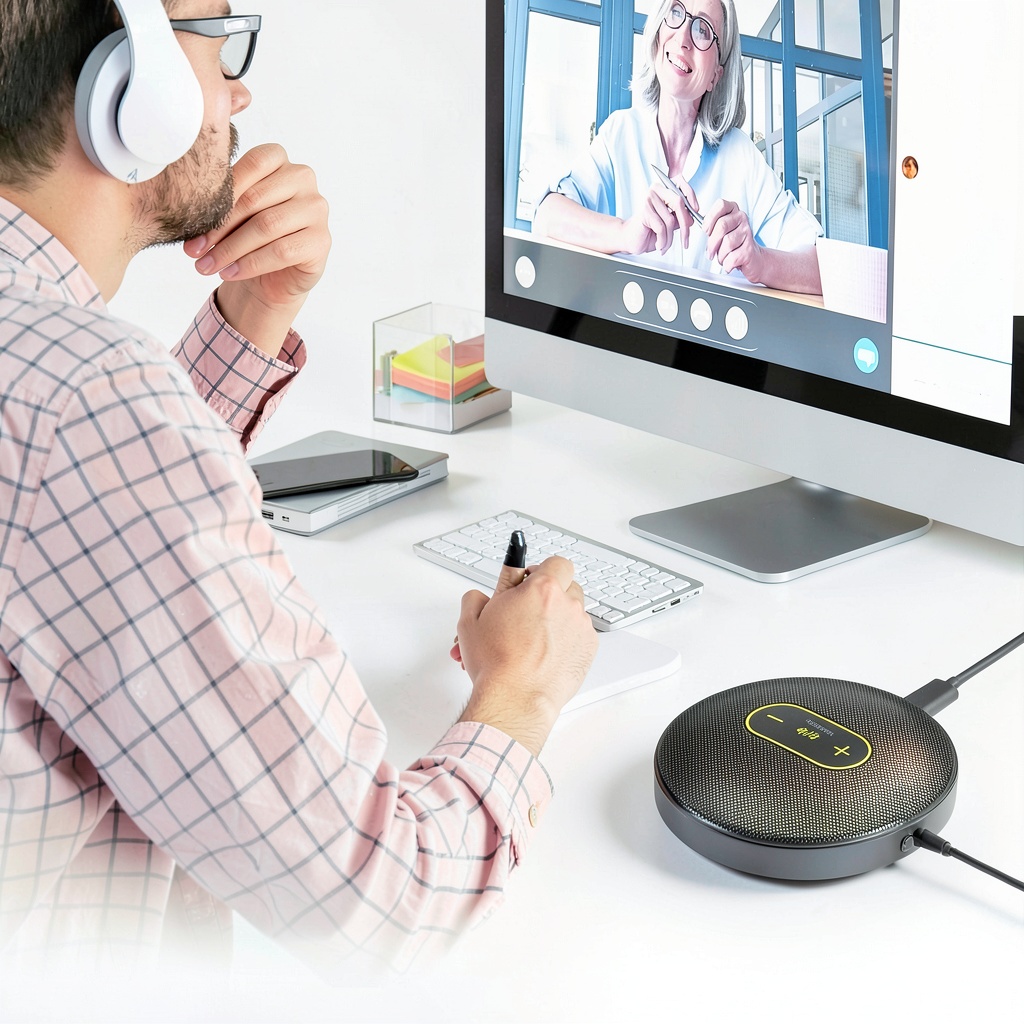
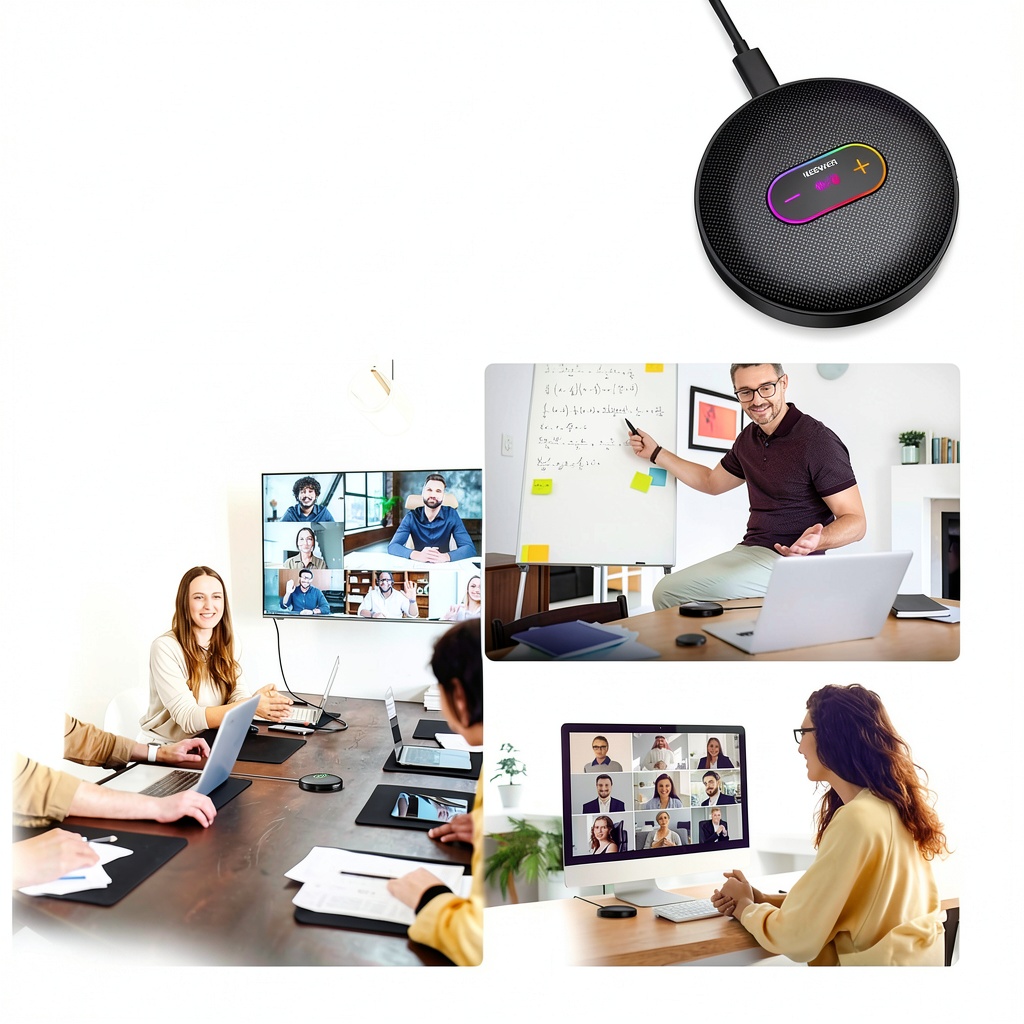
The Neewer UM04 is ideal for video conferences, online teaching, Zoom calls, gaming chats, roundtable podcasts, and group meetings. It serves professionals, educators, gamers, and content creators who need reliable audio for remote collaboration or recording. In conference rooms, it accommodates multiple speakers with its 360-degree pickup, while the optimal distance of 4.9 feet ensures clear sound without distortion. For personal use, it enhances voice clarity in home offices or streaming setups, providing seamless integration with computers and mobile devices.
Why Choose Us
Neewer prioritizes quality and user experience, offering a microphone with robust noise cancellation and intuitive controls that outperform many competitors. The omnidirectional design eliminates the need for precise positioning, making it user-friendly for group settings. Built with a durable DSP chip, it reduces background noise effectively, ensuring professional-grade audio. Additionally, the plug-and-play functionality and broad compatibility reduce setup time, while the real-time monitoring feature allows users to verify audio quality instantly, providing peace of mind and superior performance.
Key Features
- Plug-and-play connectivity with a 4-in-1 USB cable for easy setup on computers and phones
- One-tap mute and noise cancellation with visual LED indicators for quick control
- 360-degree omnidirectional pickup pattern for even sound capture in group settings
- Real-time audio monitoring via 3.5mm TRS headphone jack for precise quality checks
- 10 adjustable volume levels with dynamic light effects for intuitive level management
FAQ
How do I set up the Neewer UM04 microphone on my computer?
Connect the microphone using the included USB cable, and it will be recognized automatically without drivers. On your computer, set the UM04 as the default input device in sound settings if multiple audio devices are connected.
Does this microphone work with smartphones?
Yes, it is compatible with iPhones and Android devices via the provided connectors. Some phones may require OTG function activation for proper operation.
What is the optimal distance for using the microphone?
The microphone performs best at a distance of up to 4.9 feet (1.5 meters), capturing clear audio without distortion in most environments.
Can I use headphones for real-time monitoring?
Yes, plug 3.5mm TRS headphones into the jack to monitor audio in real time or during playback, ensuring you hear exactly what is being recorded.
How do I enable noise cancellation?
Tap the microphone twice to activate noise cancellation, indicated by a green light. This feature reduces background noise for cleaner audio output.
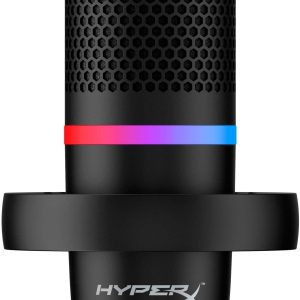 HyperX DuoCast USB Microphone RGB Gaming Streaming
Reviews
There are no reviews yet.